Client Messaging
Application extensions and the Onshape JavaScript web client need to communicate directly, calling across the iframe containing the application extension using post message.
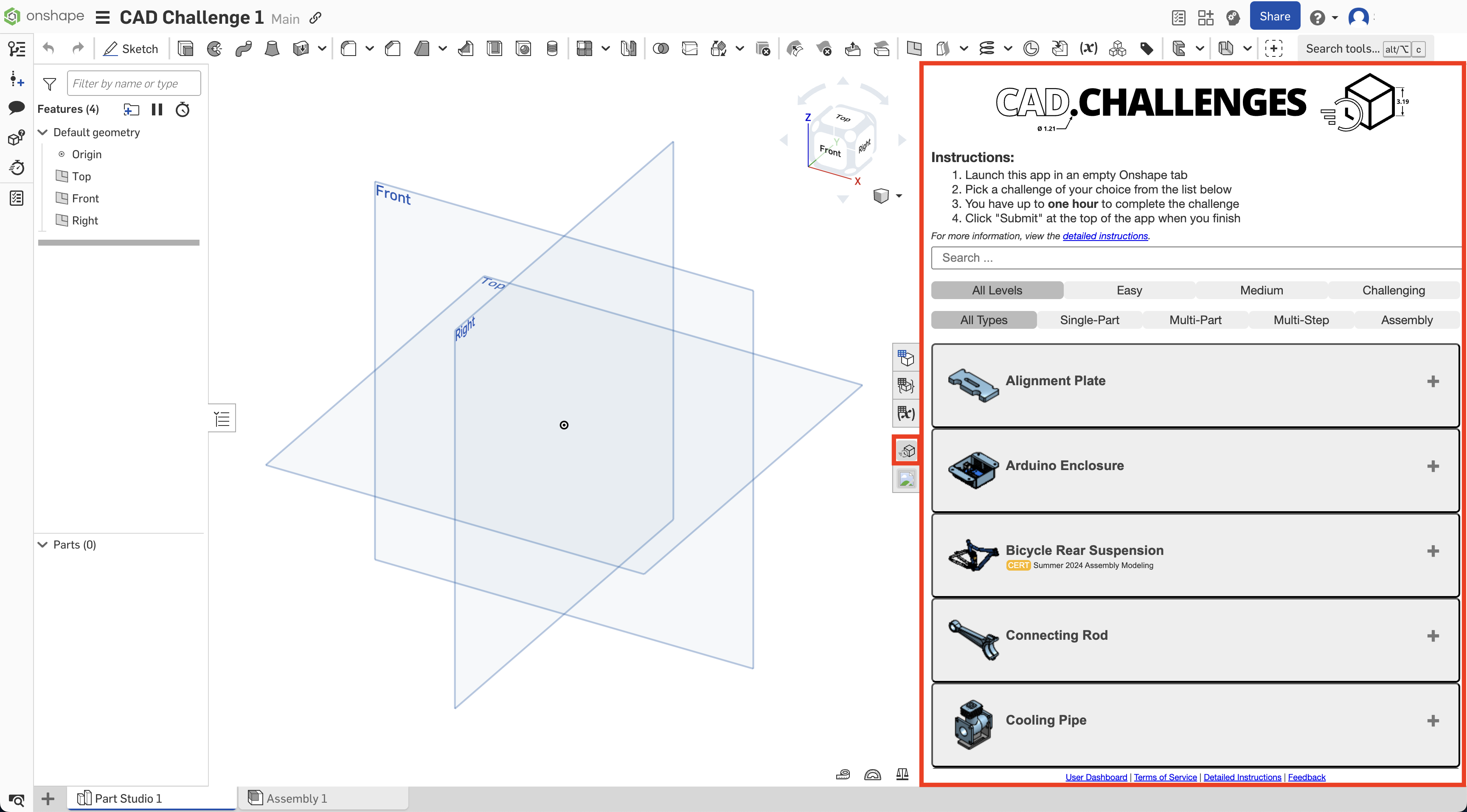
Client message structure
The basic client message structure is:
clientMessage = {
    documentId: documentId,
    workspaceId: workspaceId,
    elementId: elementId,
    messageName: string
};
Where messageName corresponds to one of the supported client messages for the extension type. To view the supported client messages for each extension type, see:
Security considerations
The extension security considerations apply to all Onshape extensions. Additionally:
- An initial
applicationInitmessage must be sent from the application extension to the Onshape client to ensure Onshape does not send messages to the extension until it is ready. - Once a valid
applicationInitmessage is received by the Onshape client, it starts sending messages withmessageName=SELECTIONupon user selection interactions. - Prior to accepting any message from the Onshape client as secure, the
originattribute value included in incoming messages must be validated as equal to the originalserverquery parameter value used to load the application extension.
Code snippets
Parse query parameters
This JavaScript code parses the iframe src parameters and uses them to post a message:
 /**
 * Extracts Onshape document, workspace, and element IDs from a given URL.
 * Supports both query parameter format and Onshape path-based URL format.
 *
 * @param {string} currentURL - The full URL string to parse.
 * @returns {{ documentId: string, workspaceId: string, elementId: string }} An object containing the three Onshape IDs.
 * @throws {Error} If the required IDs cannot be found in the URL.
 */
function getOnshapeIdsFromUrl(currentURL) {
    const url = new URL(currentURL);
    const params = url.searchParams;

    const documentId = params.get('documentId');
    const workspaceId = params.get('workspaceId');
    const elementId = params.get('elementId');

    if (documentId && workspaceId && elementId) {
        return { documentId, workspaceId, elementId };
    }

    const pathMatch = url.pathname.match(/\/documents\/([^/]+)\/(?:w|v|m)\/([^/]+)\/e\/([^/]+)/);

    if (pathMatch) {
        return {
            documentId: pathMatch[1],
            workspaceId: pathMatch[2],
            elementId: pathMatch[3]
        };
    }

    throw new Error('Missing Onshape IDs in URL. Provide documentId, workspaceId, and elementId as query parameters or use an Onshape document URL.');
}
Create a message object
The message object posted to the Onshape client is of the form:
{
    documentId: documentId,
    workspaceId: workspaceId,
    elementId: elementId,
    messageName: '<message name>',
    // … other properties as needed for other message types …
}
The message data object posted to the application extension is of the form:
{
    messageName: '<message name>',
    // … other properties as needed for other message types …
}
The message will always have a messageName property.
Listen for messages
To listen for messages from the Onshape client:
  // server is one of the iframe src query parameters - see above

  var handlePostMessage = function(e) {
    console.log("Post message received in application extension.");
    console.log("e.origin = " + e.origin);

    // Verify the origin matches the server iframe src query parameter
    if (server === e.origin) {
      console.log("Message safe and can be handled as it is from origin '"
                  + e.origin +
                  "', which matches server query parameter '"
                  + server + "'.");
      if (e.data && e.data.messageName) {
        console.log("Message name = '" + e.data.messageName + "'");
      } else {
        console.log("Message name not found. Ignoring message.");
      }
    } else {
      console.log("Message NOT safe and should be ignored.");
    }
  };

  window.addEventListener('message', handlePostMessage, false);
Send and handle messages
The following is an example of how one might send an initialization message to, and handle post messages from, the Onshape client.
ℹ️ Note
Proper clean-up of event listeners is not included in this snippet.
function handlePostMessage(event) {
  // ensure that the event data is from a legit source:
  if(theServerStringFromActionUrl !== event.origin) {
    console.error('origin of message is not legitimate');
    return;
  }

  // branch based on messageName attribute
  switch(event.data.messageName) {
    case 'SELECTION':
      console.debug('SELECTION event data: %o', event.data);
      break;
    default:
      console.debug(`${event.data.messageName} not handled`);
    }
}

window.addEventListener('message', handlePostMessage);

const initMessage = {
  documentId:  theDocumentId,    // required - parsed from action url
  workspaceId: theWorkspaceId,   // required - parsed from action url
  elementId:   theElementId,     // required - parsed from action url
  messageName: 'applicationInit' // required
};

window.parent.postMessage(initMessage, '*');
Notes
- Keyboard focus will not be transferred to an application until the user clicks in the application or the application programmatically takes focus. An application should programmatically take focus when it is first loaded and when it receives a
showmessage from Onshape. Shortcut keys will work immediately when the application is shown. - New message types will be added as needed. If your application extension needs a message not listed in this document, please notify us, and we’ll work with you on it.
- Mobile clients are currently not supported.