Drawings
The messages described on this page can be sent from any extension within an Onshape drawing.
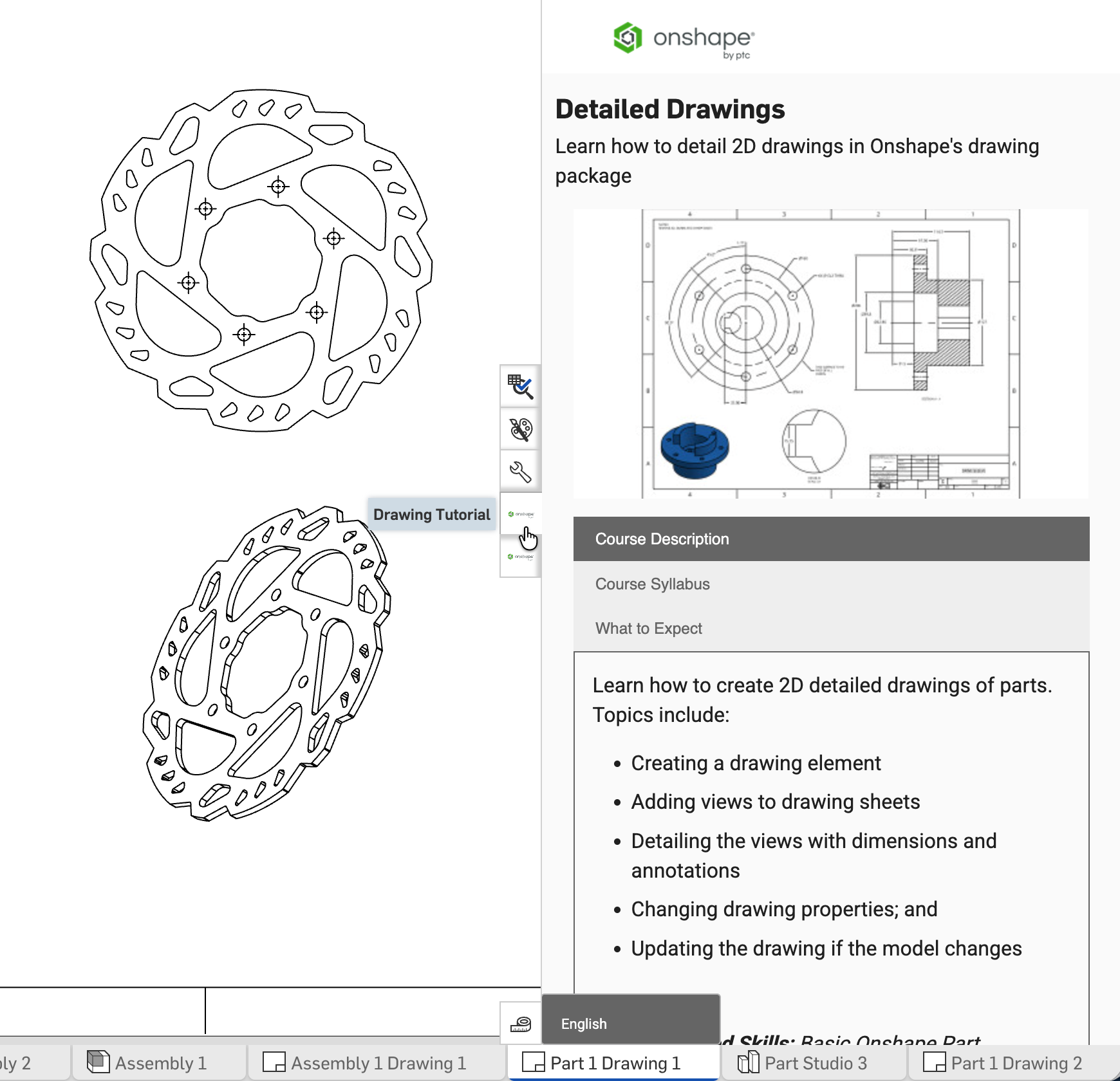
Example of an Element right panel extension with an Inside drawing context.
Supported messages
Each message must include:
message = {
    documentId: documentId,
    workspaceId: workspaceId,
    elementId: elementId,
    messageName: string,
    messageId?: string
}
Where messageName corresponds to one of the supported client messages below.
Optionally, send a unique messageId to correlate the message with the response.
applicationInit
Send once on application startup.
message = {
  documentId: documentId,
  workspaceId: workspaceId,
  elementId: elementId,
  messageName: 'applicationInit'
}
drawingSelectEntities
Specify entities in the drawing to select.
message = {
  documentId: documentId,
  workspaceId: workspaceId,
  elementId: elementId,
  messageName: 'drawingSelectEntities',
  messageId: string,
  selections: [
    {
      type: 'ENTITY',
      id: 'h:000100'
    },
    {
      type: 'ENTITY',
      id: 'h:000101'
    }
  ]
}
Notes
selections.id: Export the drawing to JSON to obtainlogicalIdof the entities to select.
drawingHighlightEntities
Highlight entities in the drawing window.
message = {
  documentId: documentId,
  workspaceId: workspaceId,
  elementId: elementId,
  messageName: 'drawingHighlightEntities',
  messageId: string,
  selections: [
    {
      type: 'ENTITY',
      id: 'h:000100'
    },
    {
      type: 'EDGE',
      id: 'f1234',
      viewId: 'v1234'
    }
  ]
}
Notes
selections.typemust be one of:ENTITY | EDGE- For
selections.type = ENTITY:selections.id: Export the drawing to JSON to obtainlogicalIdof the entity to select.
- For
selections.type = EDGE:selections.viewId: Call getDrawingViews to get theviewIdfor the edge.selections.id: Call getDrawingViewJsonGeometry to get theuniqueIdfor the edge.
drawingActivateSheet
Switch between sheets in the drawing.
message = {
  documentId: documentId,
  workspaceId: workspaceId,
  elementId: elementId,
  messageName: 'drawingActivateSheet',
  messageId: string,
  sheet: { name: string }
}
Notes
sheetcan be any of:sheet: { name: string }sheet: { logicalId: string }sheet: { index: number }
sheet: Export the drawing to JSON to obtain thename,logicalId, orindex.
drawingRequestSelection
Wait for the user to make a selection in the drawing. Sends a response per user selection until drawingStopRequestSelection is called.
message = {
  documentId: documentId,
  workspaceId: workspaceId,
  elementId: elementId,
  messageName: 'drawingRequestSelection',
  messageId: string
}
Response
{
  messageName: `drawingRequestedSelection`,
  selections:[
    {
      entityType: string,
      entityId: string,
      viewId: string,
      handle: string,
      documentId: string,
      elementId: string,
      partId: string,
      sheetId: string
    }
  ]
}
drawingStopRequestSelection
See also drawingRequestSelection
message = {
  documentId: documentId,
  workspaceId: workspaceId,
  elementId: elementId,
  messageName: 'drawingStopRequestSelection',
  messageId: string
}
Security considerations
The extension security considerations apply to all Onshape extensions. Additionally:
- An initial
applicationInitmessage must be sent from the application extension to the Onshape client to ensure Onshape does not send messages to the extension until it is ready. - Once a valid
applicationInitmessage is received by the Onshape client, it starts sending messages withmessageName=SELECTIONupon user selection interactions. - Prior to accepting any message from the Onshape client as secure, the
originattribute value included in incoming messages must be validated as equal to the originalserverquery parameter value used to load the application extension.